Resizing is not just shrinking pixels. Done incorrectly, it creates blur, halos, and jagged edges. Done properly, you get crisp images that load fast.
Core Rules
- Always preserve aspect ratio
- Resize to exact target dimensions, not larger
- Apply light sharpening after downscale
- Export with the right format and quality level
Recommended Workflow
- Choose output dimensions based on destination.
- Resize in Image Resizer.
- Export JPG/WebP for photos, PNG for transparent graphics.
- Check legibility at 100% zoom.
Summary
Quality-safe resizing is about precision. Match dimensions to use-case, keep aspect ratio locked, and select output format intentionally.
Recommended
Recommended for You
Best for Productivity
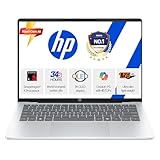
HP Next-Gen AI Laptop
Latest Gen Processor · Backlit KB · Lightweight
4.2
- AI-powered performance
- Backlit keyboard
- Ultra-lightweight build
Price Drop
Check Latest PriceTop Gaming Pick
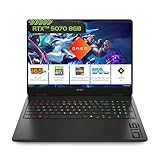
HP Gaming Laptop
RTX Graphics · High Refresh Rate · 16GB RAM
4.3
- RTX graphics card
- High refresh display
- 16GB DDR5 RAM
Selling Fast
View Today's DealPower User Choice
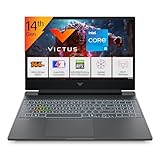
Gaming Laptop Pro
RTX 4050 · AMD Ryzen 7 · RGB Keyboard
4.1
- RTX 4050 GPU
- AMD Ryzen 7 processor
- RGB mechanical keys
Disclosure: As an Amazon Associate, we may earn from qualifying purchases. Prices may vary.