SVG is ideal for scalable vector graphics, but many platforms require PNG. The goal is exporting PNGs at the right dimensions without losing crisp edges.
When to Convert
- Social platforms that do not accept SVG
- Design handoff requiring fixed pixel assets
- App stores and docs that require raster images
How to Export Correctly
- Open SVG to PNG Converter.
- Set target width/height in pixels.
- Choose transparent or solid background.
- Export and inspect edges at 200% zoom.
Summary
Convert SVG to PNG only when distribution format demands it. Keep SVG as source of truth and export PNG variants per use-case.
Recommended
Recommended for You
Best for Productivity
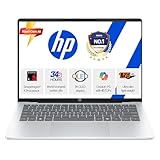
HP Next-Gen AI Laptop
Latest Gen Processor · Backlit KB · Lightweight
4.2
- AI-powered performance
- Backlit keyboard
- Ultra-lightweight build
Price Drop
Check Latest PriceTop Gaming Pick
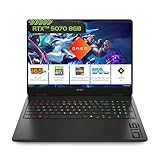
HP Gaming Laptop
RTX Graphics · High Refresh Rate · 16GB RAM
4.3
- RTX graphics card
- High refresh display
- 16GB DDR5 RAM
Selling Fast
View Today's DealPower User Choice
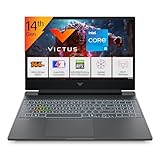
Gaming Laptop Pro
RTX 4050 · AMD Ryzen 7 · RGB Keyboard
4.1
- RTX 4050 GPU
- AMD Ryzen 7 processor
- RGB mechanical keys
Disclosure: As an Amazon Associate, we may earn from qualifying purchases. Prices may vary.